
What Are Passkeys and How Do They Work?
Passkeys are a modern way to sign in without typing a password. Learn how passkeys work, why they resist phishing, where your credentials are stored, and what happens when you change devices.
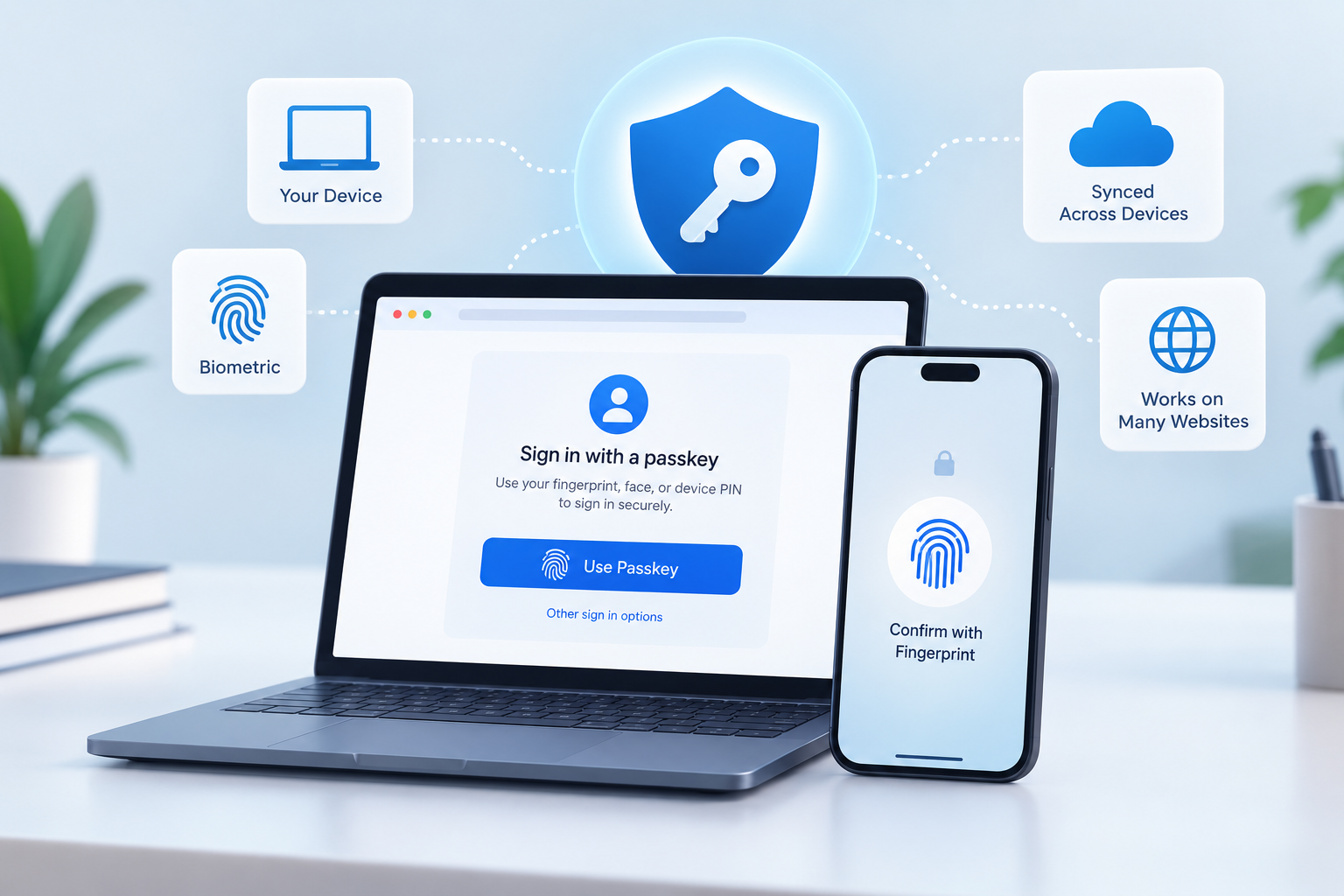
Passwords have been the standard way to protect online accounts for decades, but they come with familiar problems: people forget them, reuse them, choose weak ones, and can be tricked into entering them on fraudulent websites.
Passkeys are an alternative authentication method designed to replace passwords. Instead of asking you to remember and type a secret, a passkey uses cryptographic credentials stored and managed by your device, operating system, browser, password manager, or security key. When you sign in, you typically unlock the credential using your device's biometric authentication, PIN, pattern, or another supported screen-lock method.
The technology is based on the FIDO authentication standards and WebAuthn, and one of its important properties is resistance to phishing.
But what actually happens when you use one?
What Is a Passkey?
A passkey is a digital authentication credential associated with an account on a particular website or application.
Unlike a traditional password, the credential is based on public-key cryptography. When a passkey is registered, a cryptographic key pair is created:
- A public key is provided to the website or service.
- The corresponding private key is kept within the user's credential system and is used to authenticate the user.
The service does not need to store the private key as it would need to store a password. During authentication, the service uses the public key to verify a cryptographic response generated with the private key.
The exact storage and synchronization behavior depends on the passkey provider. Passkeys can be synchronized across devices or can be bound to a particular device or security key.
How Do Passkeys Work?
The easiest way to understand a passkey is to separate registration from sign-in.
1. You create a passkey
Suppose a website offers a Create a passkey option.
After you authenticate using the method the website currently requires, your device or passkey provider creates a new cryptographic credential for that website.
The private portion remains protected by the credential system, while the website receives the information it needs to verify future authentications, including the public key and credential identifier.
2. You return to the website
Later, instead of typing your password, you select your account or passkey.
Your browser or operating system can present the appropriate passkey.
3. You unlock the credential
The device may ask you to verify yourself using:
- fingerprint
- face recognition
- device PIN
- pattern
- another supported local authentication method
This local verification allows the passkey to be used.
Your biometric information itself is not sent to the website. Google and FIDO explain that biometric processing takes place locally on the user's device.
4. The website verifies the authentication
The website sends a challenge, and the passkey system produces a cryptographic response.
The website can verify that response using the public key associated with your account.
The important difference is that you aren't sending a reusable password to the website.
Why Are Passkeys Resistant to Phishing?
This is one of the most important differences between passkeys and passwords.
Imagine you receive a convincing phishing message that sends you to a fake website designed to look like your bank.
With a password, the attacker can attempt to convince you to type the password into the fake website.
A properly implemented passkey works differently because the credential is associated with the legitimate website or application's identity. The browser or operating system checks that identity before allowing the credential to be used.
That means a passkey created for example.com isn't simply something you can copy and type into fake-example.com.
The cryptographic authentication mechanism is designed around the legitimate service's identity.
FIDO therefore classifies passkeys as phishing-resistant authentication.
This does not mean that every aspect of an online account becomes immune to attack. Account recovery, compromised devices, malicious software, social engineering, and other security issues still matter.
But the authentication credential itself is designed to remove a major weakness of passwords: the user doesn't have to disclose a reusable secret to the website.
Do Passkeys Store Your Fingerprint?
No.
This is a common misunderstanding.
When you unlock a passkey using a fingerprint or facial-recognition system, the biometric verification is generally performed locally by the device.
The website does not receive your fingerprint or facial-recognition data as part of the normal passkey authentication process. Google specifically notes that biometric material remains on the user's personal device.
In other words:
Your fingerprint unlocks the credential; it isn't the credential being sent to the website.
The same basic idea applies when a device PIN or another local authentication method is used.
Are Passkeys the Same as Biometrics?
No.
They are related, but they are not the same thing.
A passkey is the cryptographic authentication credential.
A fingerprint, face scan, PIN, or pattern can be the local method used to authorize access to that credential.
For example:
Passkey → protected by the device → unlocked with a fingerprint
The fingerprint isn't being transmitted to the website as a password replacement.
This distinction is important because passkeys can also work on devices or security keys that don't use biometric authentication. FIDO describes passkey use with PINs, patterns and hardware security keys as well.
Where Are Passkeys Stored?
There isn't one universal storage location.
A passkey can be managed by a platform credential manager, browser, password manager, or security key.
There are two broad categories worth knowing:
Synced passkeys
A synced passkey can be securely synchronized across a user's devices through a passkey provider.
For example, a passkey provider may make a credential available across a user's phone and computer so that replacing one device doesn't necessarily mean starting over with every account.
Device-bound passkeys
A device-bound passkey remains tied to a particular device or security key rather than being synchronized in the same way.
Hardware security keys are one example.
This approach can be useful in situations where keeping a credential tied to a physical device is an important security requirement.
What Happens If You Get a New Phone?
This depends on how your passkeys are managed.
If your passkeys are synchronized through a compatible provider, they may become available on your new device after you restore or configure that provider.
For device-bound credentials, the situation is different. The credential may remain on the original device or security key, so account-recovery procedures or another registered authentication method may be necessary.
This is one reason account recovery remains an important part of passkey deployment.
Can You Use a Passkey on Another Device?
Yes, in several ways.
A synchronized passkey may already be available on another device through the same passkey provider.
There is also a cross-device authentication mechanism that allows a phone or another device containing the credential to participate in authentication on a nearby computer.
For example, you might begin signing in on a laptop and use your phone to approve the authentication.
The exact experience depends on the operating system, browser, passkey provider and website.
Passkeys vs. Passwords
| Feature | Password | Passkey |
|---|---|---|
| Secret typed by user | Yes | No |
| Based on public-key cryptography | No | Yes |
| Designed to resist phishing | No | Yes |
| Can be reused across websites | Often | Designed to be unique to the service |
| Server needs the user's password secret | Traditionally yes | Public key is sufficient for verification |
| Can use device biometrics | Not inherently | Yes |
| Can use a device PIN | Not inherently | Yes |
| Can be synchronized | Password managers can sync passwords | Passkey providers can sync passkeys |
The comparison doesn't mean that every passkey implementation or every password-based system behaves identically. The table describes the fundamental authentication models documented by Google and FIDO.
Are Passkeys Completely Hack-Proof?
No authentication system should be described as completely hack-proof.
Passkeys address particular weaknesses in password-based authentication, especially phishing and the storage of reusable passwords.
But an account can still have other security risks.
For example:
- A user's device could be compromised.
- A user's passkey-provider account could be compromised.
- Account-recovery mechanisms can introduce their own risks.
- Malware or other attacks can target the device.
- Users can still be tricked into giving attackers access to other parts of their accounts.
FIDO's deployment guidance also emphasizes that organizations need to consider credential management, recovery, device types and their specific security requirements rather than treating every passkey deployment as identical.
So a more accurate statement is:
Passkeys are designed to remove several major weaknesses of passwords, but they don't eliminate every possible account-security risk.
Are Passkeys More Secure Than Passwords?
Passkeys are designed to provide stronger protection against several attacks that affect passwords, particularly phishing and credential theft.
Their use of public-key cryptography also means a service can verify authentication without storing the private credential needed to authenticate.
FIDO likewise describes passkeys as phishing-resistant credentials based on public-key cryptography.
However, security depends on implementation and the surrounding account-recovery and device-security practices.
That's why it is more useful to understand what security problem passkeys solve than to think of them as a universal solution to every account attack.
Where Can You Use Passkeys?
Passkeys are supported across major operating systems, browsers and passkey providers, although the exact user experience varies between platforms and services.
If a website supports passkeys, you will typically see an option to create or use one in its account-security or sign-in settings.
Some services may continue to offer passwords alongside passkeys, while others may allow passkeys to become the primary authentication method.
The important thing is to look for the passkey option within the official website or application, rather than following an unfamiliar login link received through email or a message.
Should You Switch to Passkeys?
For accounts that support them, passkeys provide an alternative to traditional password-based authentication and are specifically designed to address phishing and password-related weaknesses.
Before switching an important account, however, check:
- How the service handles passkey recovery.
- Whether your passkeys are synchronized or device-bound.
- Which devices and browsers are supported.
- Whether you have another legitimate recovery method available.
- Whether the passkey is being created through the service's official website or application.
For many users, the biggest change is surprisingly simple: instead of remembering another password, they approve the sign-in using the device they already use.
The Bottom Line
Passkeys replace traditional password-based authentication with cryptographic credentials.
A passkey creates a public/private key pair associated with a particular website or application. The service can store the public key and use it to verify authentication, while the private credential remains protected by the user's passkey system.
When signing in, the user normally unlocks the credential using a fingerprint, face recognition, PIN, pattern, security key, or another supported method.
The key security advantage is that passkeys are designed to be phishing-resistant and don't require users to type a reusable password into a website.
They aren't magic, and account recovery and device security still matter. But the underlying idea is straightforward:
Instead of proving who you are by giving a website a password, your device proves possession of a cryptographic credential that is tied to that website.
Sources
- Passkeys — Google for Developers
- Passkeys — FIDO Alliance
- Passkeys developer guide — Google for Developers
- Replacing Password-Only Authentication with Passkeys in the Enterprise — FIDO Alliance